Learn · Build · Create
Turn bright ideas into real inventions.
Free, step-by-step Arduino lessons that help young makers learn coding by building things they can hold.
Lessons unlock after a learner or guardian confirms permission.
1
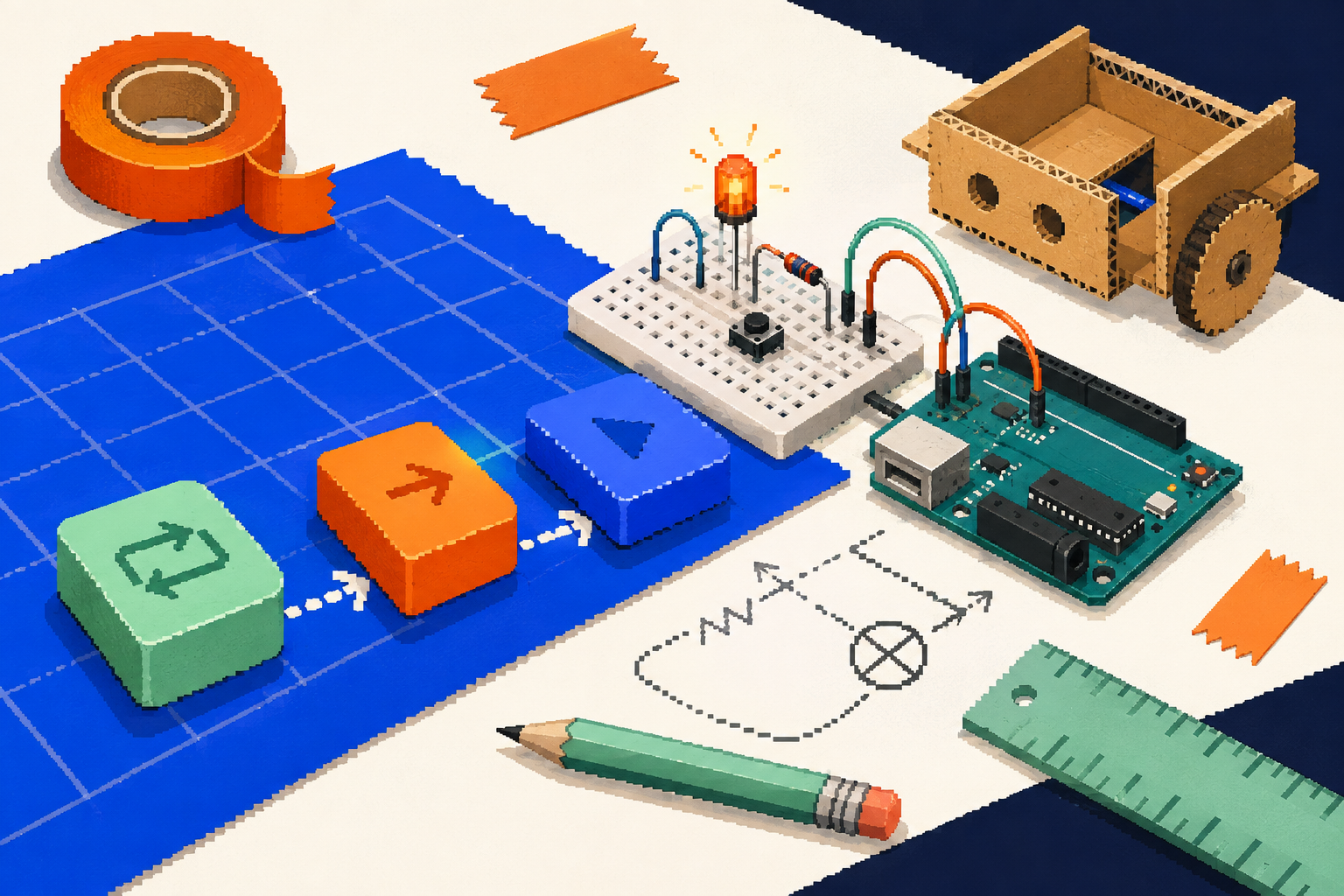
LearnShort, friendly lesson steps
2
BuildWire a circuit with a grown-up
3
CodeSnap blocks together and run them
Project path
Start small. Make something amazing.
Every mission introduces one new skill and a real result. Each one works in the simulator first.
 Mission 01Available now
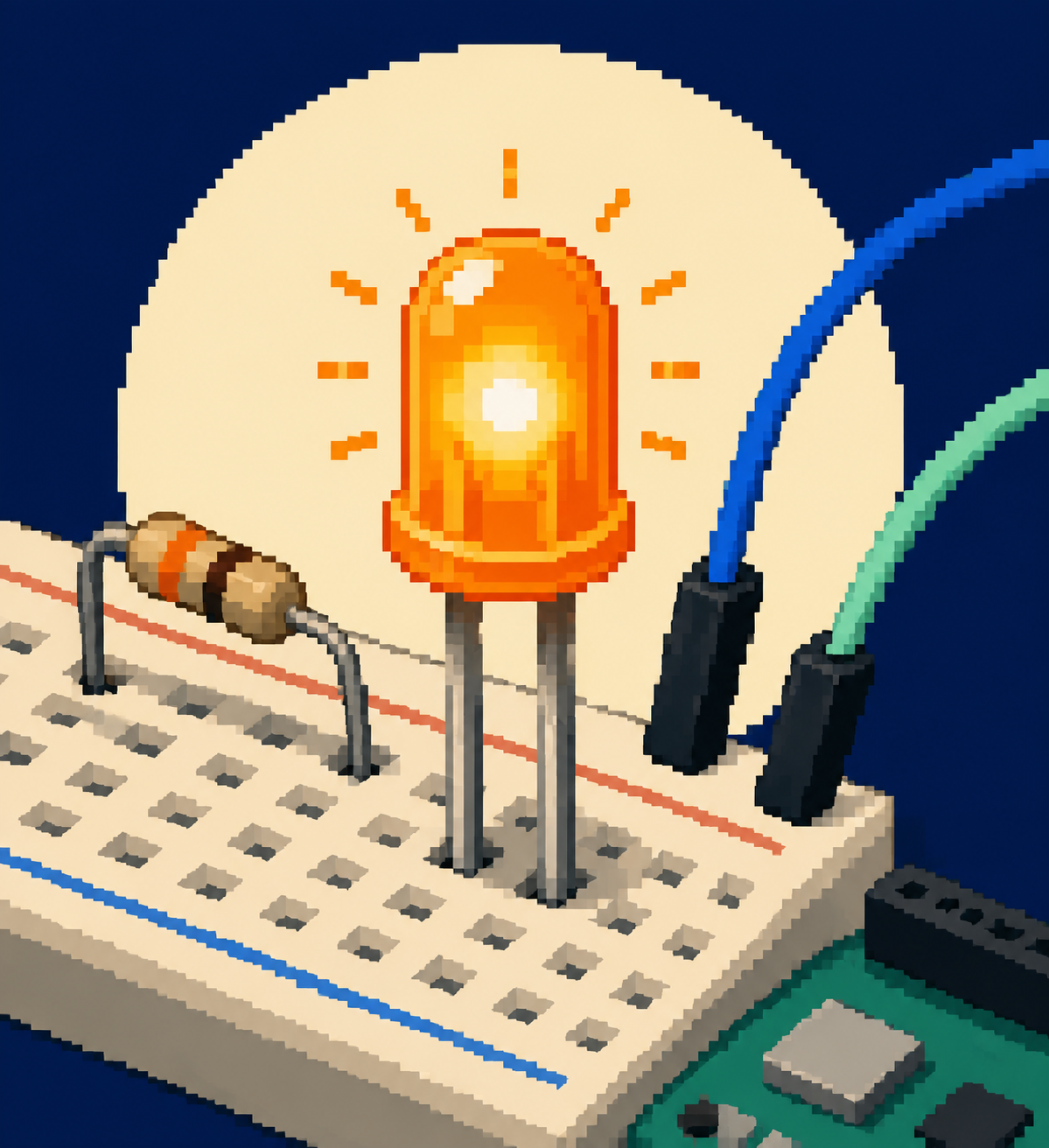
Make a light blink
Build your first circuit, then make pin D13 send a light signal.
You’ll needArduino Uno R3 + USB cable · red LED · 330 Ω resistor · clip leads · 2 × AA holder- Closed circuits
- Outputs
- Loops
- Works without a board
 Mission 02Coming next
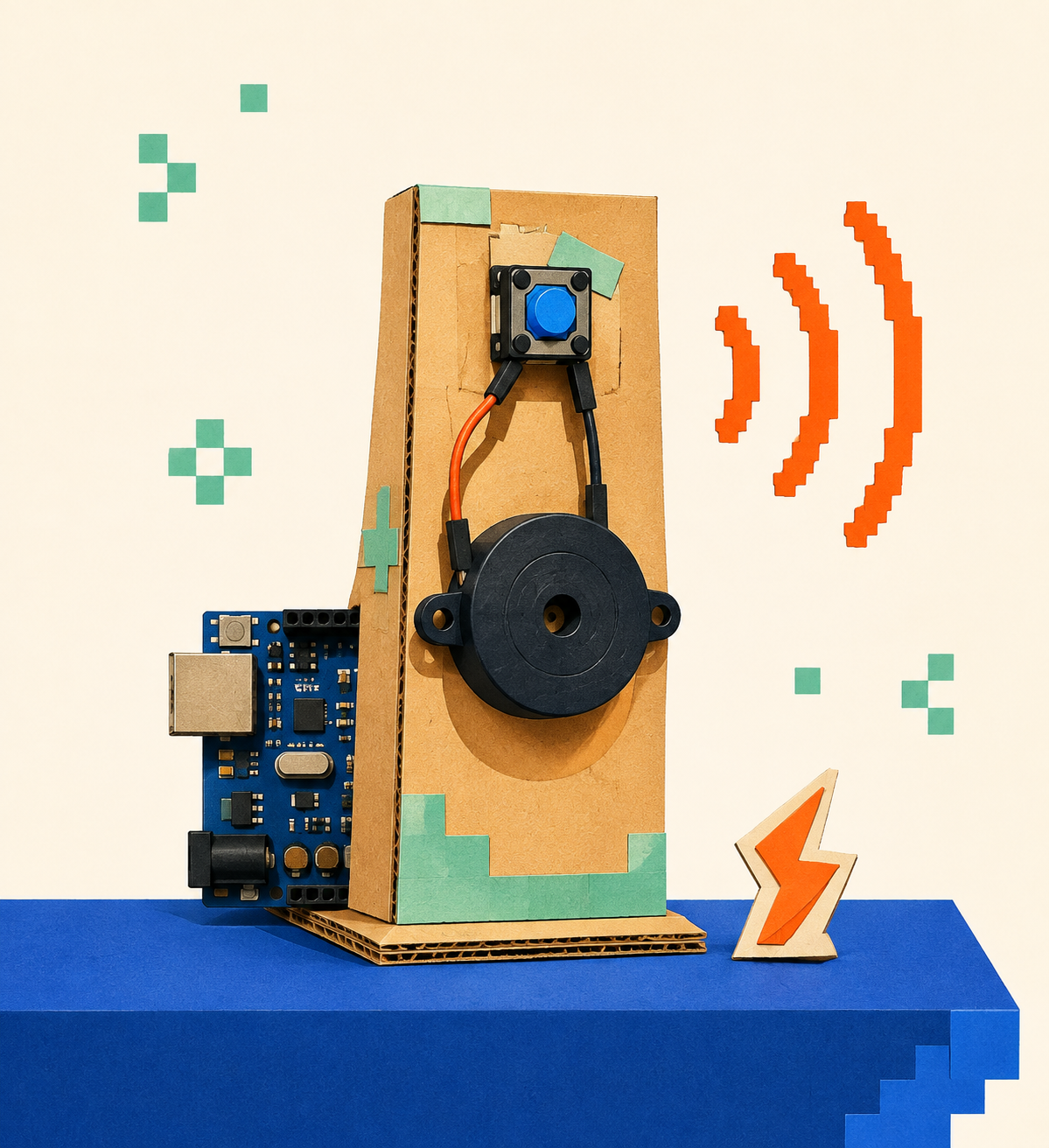
Build a mini alarm
Press a button to make a buzzer sound: your first input.
Planned kitMission 01 parts · push button · piezo buzzer- Inputs
- If / else
- Sound
- Works without a board
Unlocks after Mission 01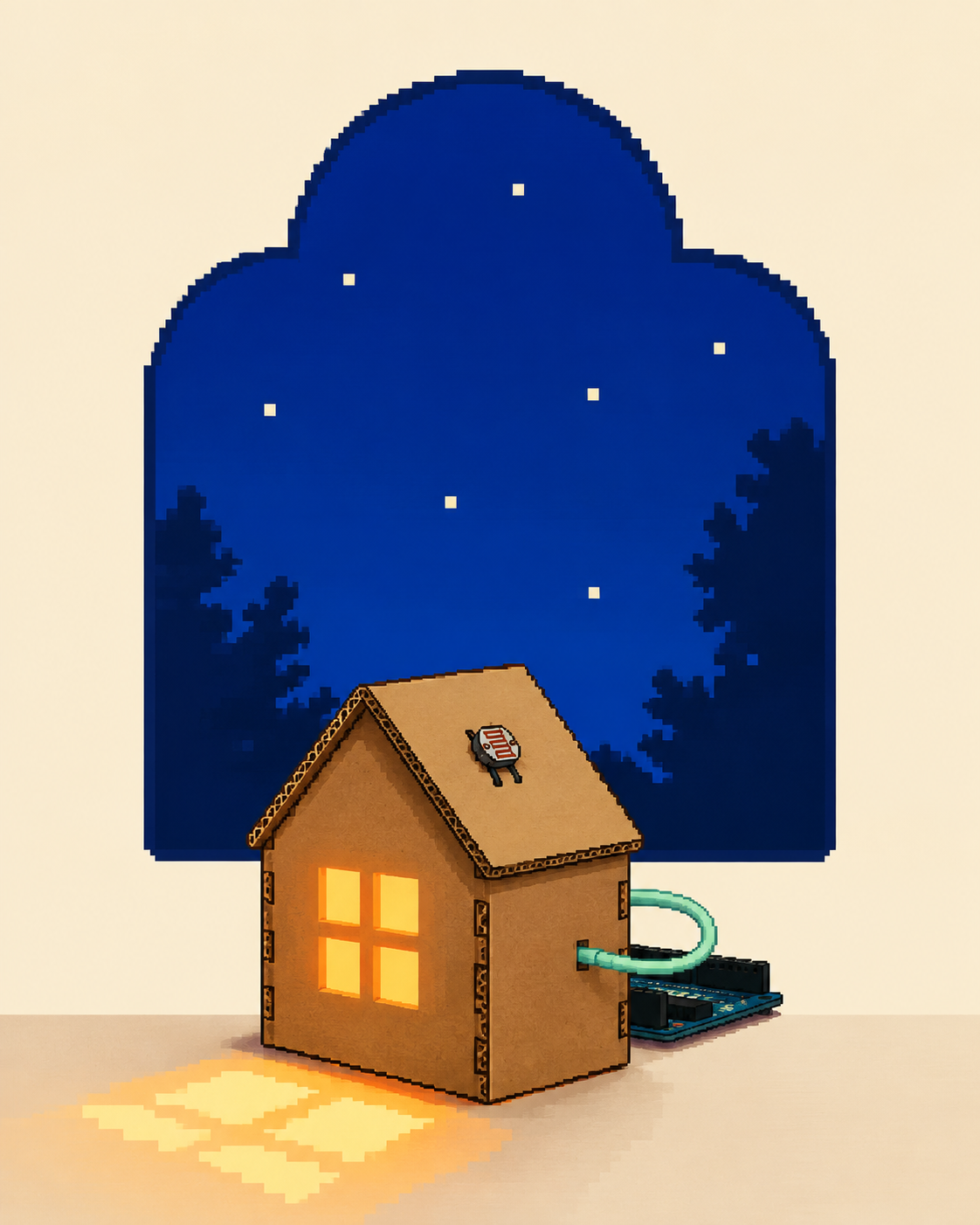 Mission 03Coming soon
Create a night light
Read a light sensor and make an LED respond to the room.
Planned kitLight-sensor parts to be confirmed- Sensors
- Analog values
- Works without a board
Unlocks after Mission 02
For parents and teachers
Try the first lessonLow voltage onlyProjects use USB power or a 2 × AA battery holder. Never household electricity or wall sockets.
Which devices workComputers with Chrome or Edge, and Android phones with Chrome and a USB OTG adapter, can connect a board. Every device can use the simulator.
When to helpSteps marked Adult help involve wiring or power. Learners can do everything else on their own.
Ready to make your first circuit?
Create a free learner profile and begin with the Arduino blink project.